Adeloop Python Examples
Practical examples for using Python in Adeloop notebooks
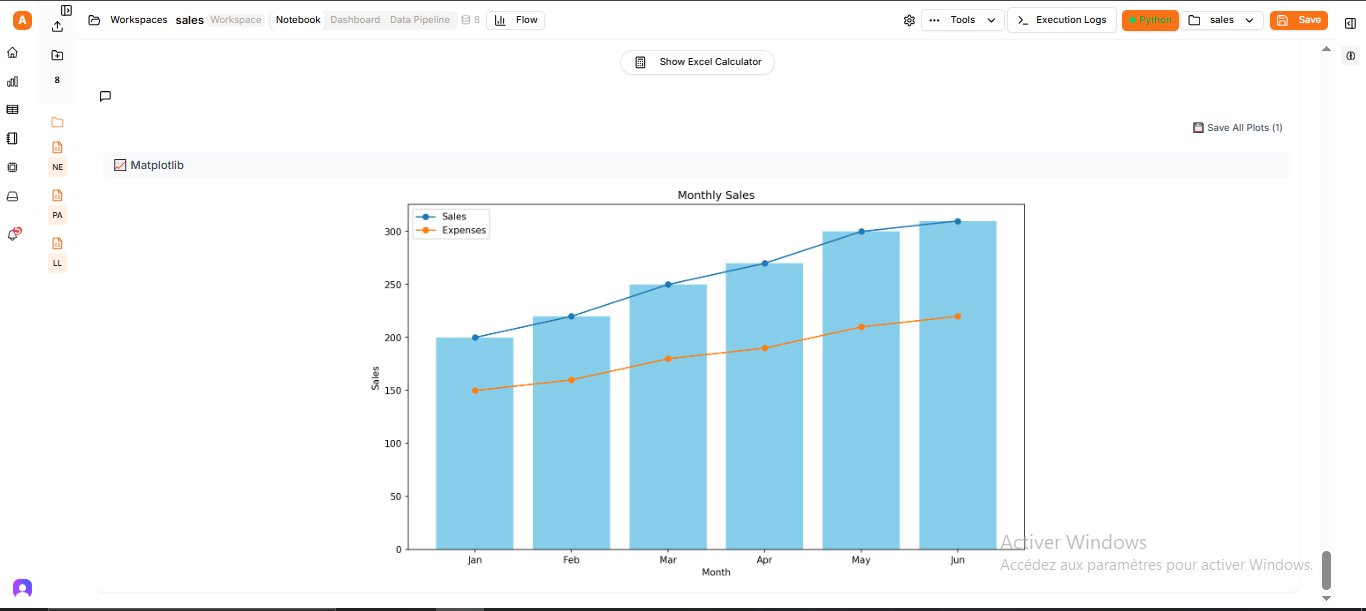
Welcome to the Adeloop Python Examples section! This collection of examples demonstrates how to use various Python libraries and techniques within Adeloop's notebook environment.
What You'll Learn
In this section, you'll find practical examples covering:
- Computer Vision: How to use MediaPipe, CVZone, and OpenCV for image and video processing
- Pipeline Workflows: Examples showing how to orchestrate complex data processing workflows with variable sharing between cells
- 3D Plotting: Creating interactive 3D visualizations with Plotly
- Testing Plotly: Verifying Plotly functionality in the Adeloop backend
How to Use These Examples
Each example is designed to be run directly in Adeloop notebook cells. You can:
- Copy the code directly into your notebook cells
- Modify the examples to suit your specific needs
- Use them as templates for your own projects
The examples demonstrate best practices for:
- Variable sharing between cells
- Creating interactive visualizations
- Processing images and video
- Building complex data workflows
Getting Started
To use these examples effectively:
- Open a new notebook in Adeloop
- Create cells for each section of code
- Run the cells in order to see the results
- Experiment with the parameters to understand how they work
Ready to dive in? Let's start with Computer Vision examples!