DuckDB Architecture
How the platform leverages DuckDB for high-performance server-side SQL execution and Python interoperability.
Integrated Data Adeloop
Ingest, process, and analyze data from any source. Adeloop unifies your stack into one cohesive operational layer.

Control Plane
Adeloop Core
This guide explains the architecture of the SQL engine within the platform. We utilize DuckDB on the backend to provide robust, high-performance SQL execution capable of handling complex analytical queries and seamless interoperability with Python variables.
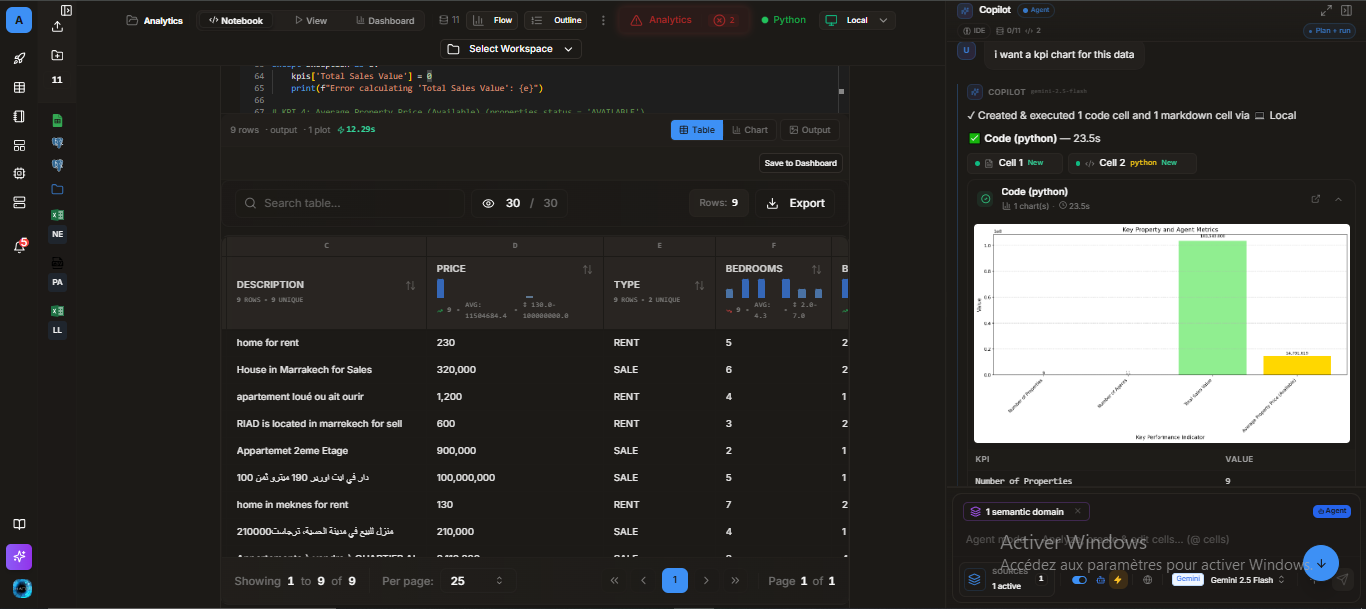
Architecture Overview
The platform uses a scalable client-server architecture for SQL execution. This ensures that heavy data processing happens on the server, keeping the client lightweight and responsive.
Key Components
- Frontend Execution Handler: Manages user input from the notebook cells, captures the current state (including datasets and variables), and securely transmits them to the backend.
- SQL API Endpoint: The secure gateway that receives query requests, validates permissions, and orchestrates the execution lifecycle.
- Data Processing Engine: A dedicated wrapper around the DuckDB instance that handles connection pooling, dynamic table creation, and query optimization.
Python & SQL Interoperability
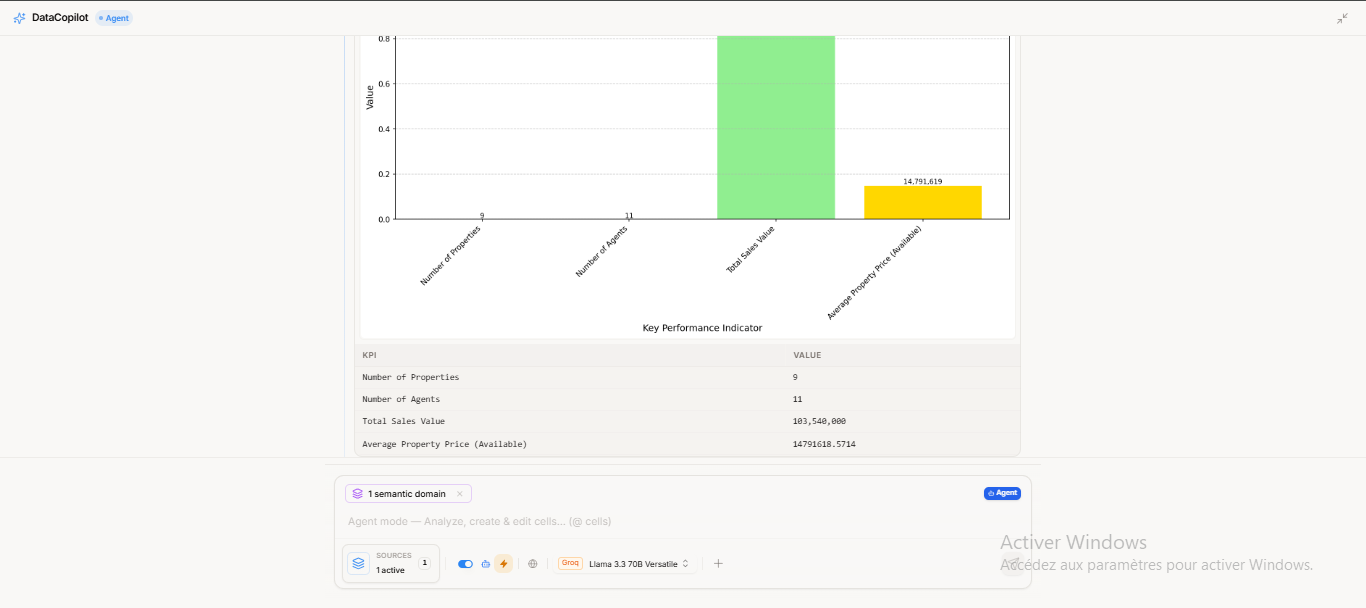
One of the most powerful features of the platform is the ability to seamlessly share data between Python and SQL cells. This allows for a hybrid workflow where you can use Python for data extraction/cleaning and SQL for analytical querying.
How It Works
The platform automatically tracks variables created in Python cells. When a SQL cell is executed, these variables are "injected" into the SQL engine as temporary tables.
Data Flow Example
1. Define Data in Python
First, create a DataFrame or variable in a Python cell. The platform detects this change.
import pandas as pd

# Create a simple DataFrame
sales_data = pd.DataFrame({
    'product': ['Laptop', 'Mouse', 'Monitor'],
    'revenue': [1200, 25, 300],
    'units': [5, 50, 10]
})

# You can also use simple variables
tax_rate = 0.08
2. Query in SQL
In a subsequent SQL cell, you can reference sales_data as if it were a standard database table.
-- The dataframe 'sales_data' is automatically available as a table
SELECT
    product,
    revenue,
    (revenue * units) as total_revenue
FROM sales_data
WHERE revenue > 50
ORDER BY total_revenue DESC;
Data Ingestion & Features
Excel File Support
The platform includes native support for Excel files. You essentially don't need to parse them manually in Python. The SQL engine uses the spatial extension to read .xlsx files directly.
-- Behind the scenes, the engine optimizes this loading
SELECT * FROM st_read('quarterly_report.xlsx')
Advanced SQL Capabilities
Because the engine runs on the server, it supports the full breadth of DuckDB's analytical features:
- Window Functions:
RANK(),LEAD(),LAG() - Common Table Expressions (CTEs):
WITH ... SELECT ... - Complex Joins: Efficiently join multiple large datasets.
Session Persistence
The architecture supports session-based persistence. Tables created via CREATE TABLE statements within a session remain available for subsequent queries, enabling multi-step SQL workflows.
-- Step 1: Create a summary table
CREATE TABLE high_value_items AS
SELECT * FROM inventory WHERE price > 500;

-- Step 2: Query it later in another cell
SELECT COUNT(*) FROM high_value_items;
Performance Notes
- Speed: The server-side engine typically performs 10-100x faster than client-side alternatives for aggregations.
- Scalability: Capable of handling millions of rows efficiently, limited only by the server's memory allocation.
- Security: All execution happens in a controlled, sandboxed environment.