Workflows & Agents
Core automation engines of the platform
Welcome to the core automation engines of the platform! This guide will help you understand how Workflows and Agents operate and how they can be used to supercharge your productivity in AdeloopAgent.
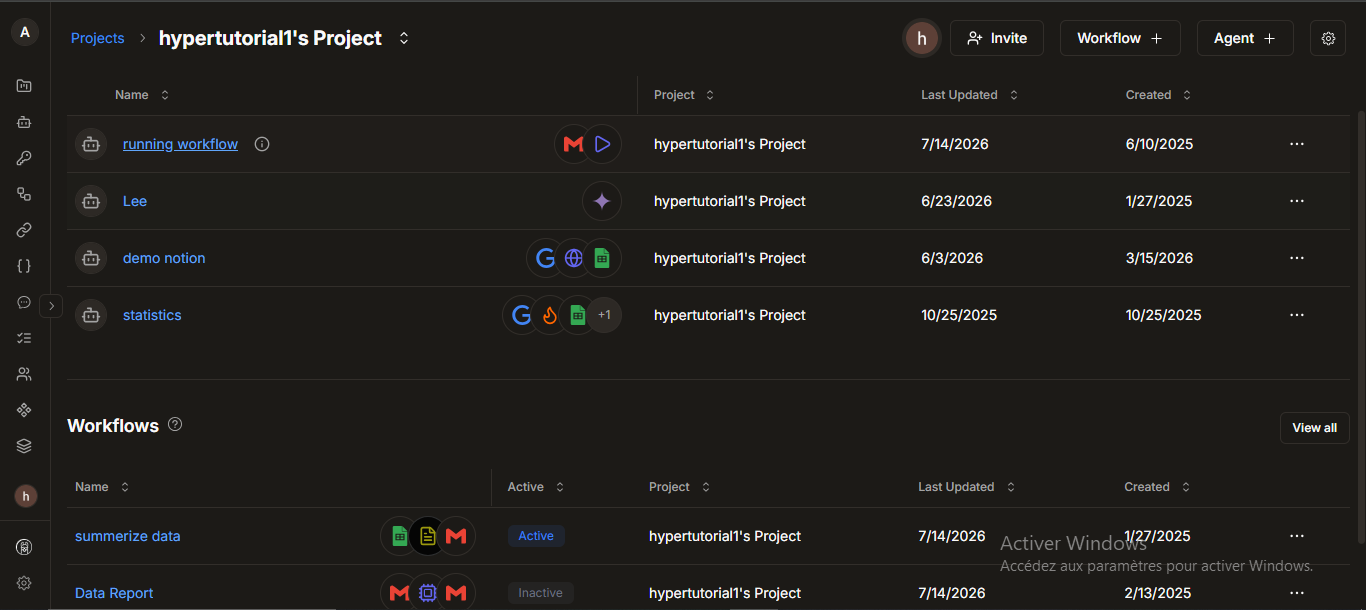
To give you a quick visual overview of how these pieces fit together, check out this diagram:
🔀 Workflows
Workflows are powerful, visual automations that connect different apps, logic, and AI together. They are built using a visual node-and-edge system (like a flowchart), allowing you to map out exact processes step-by-step.
How Workflows Work
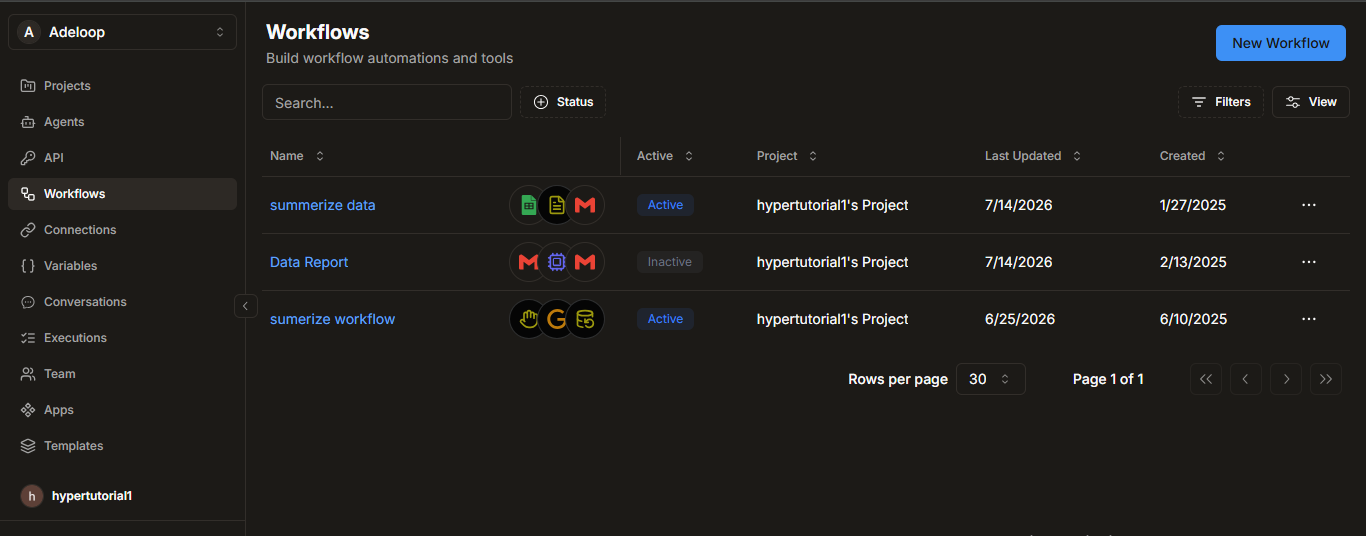
- Triggers: Every workflow starts with a trigger. You can start them:
- Manually: Triggered by a user clicking a button.
- Schedule: Run automatically at specific times or intervals.
- Webhook: Run when an external system sends data to a specific URL.
- Polling: Automatically check for new data on a regular basis.
- Actions: Once triggered, the workflow executes a sequence of actions. These can be app integrations, logic steps, or AI tasks.
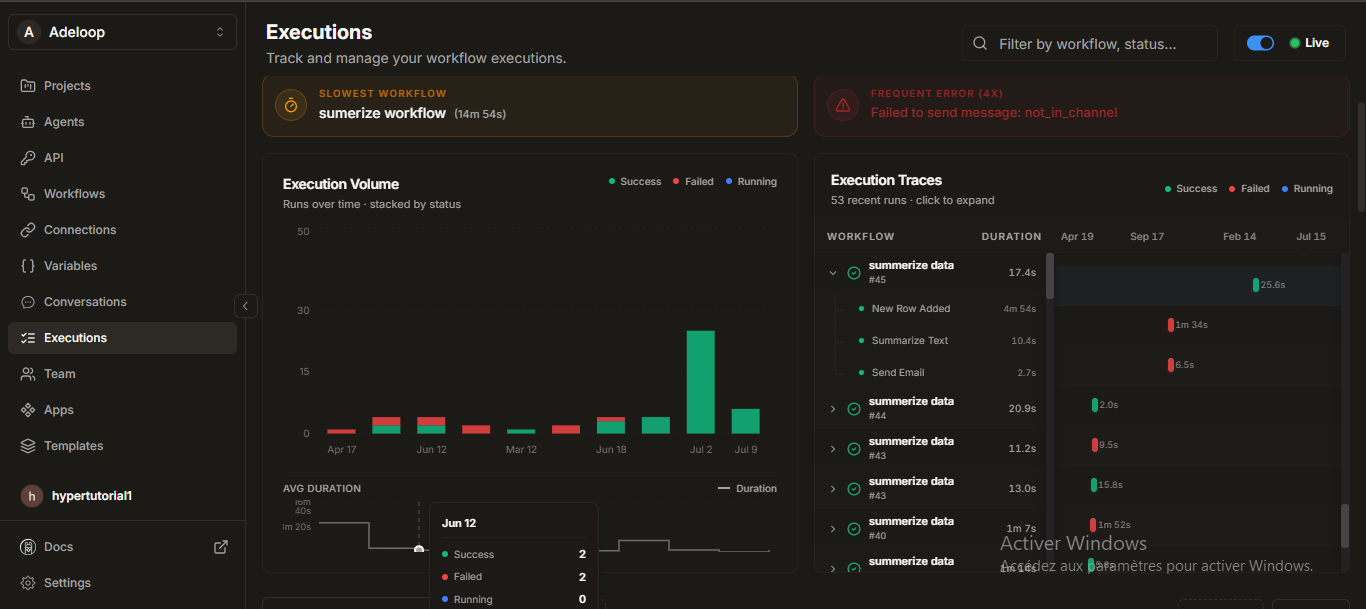
- Executions: Every time a workflow runs, an execution record is created. You can track the status (e.g., Running, Success, Failed, Needs Input), view the output, and troubleshoot any issues.
- Templates: If you build a highly effective workflow, you can save it as a Template and share it across your project or workspace for easy reuse.
🤖 Agents
Agents are intelligent AI assistants designed to autonomously complete tasks, make decisions, and use tools. Unlike traditional workflow actions that follow a rigid, pre-defined path, Agents can think through a problem and decide the best course of action based on your instructions.
How Agents Work
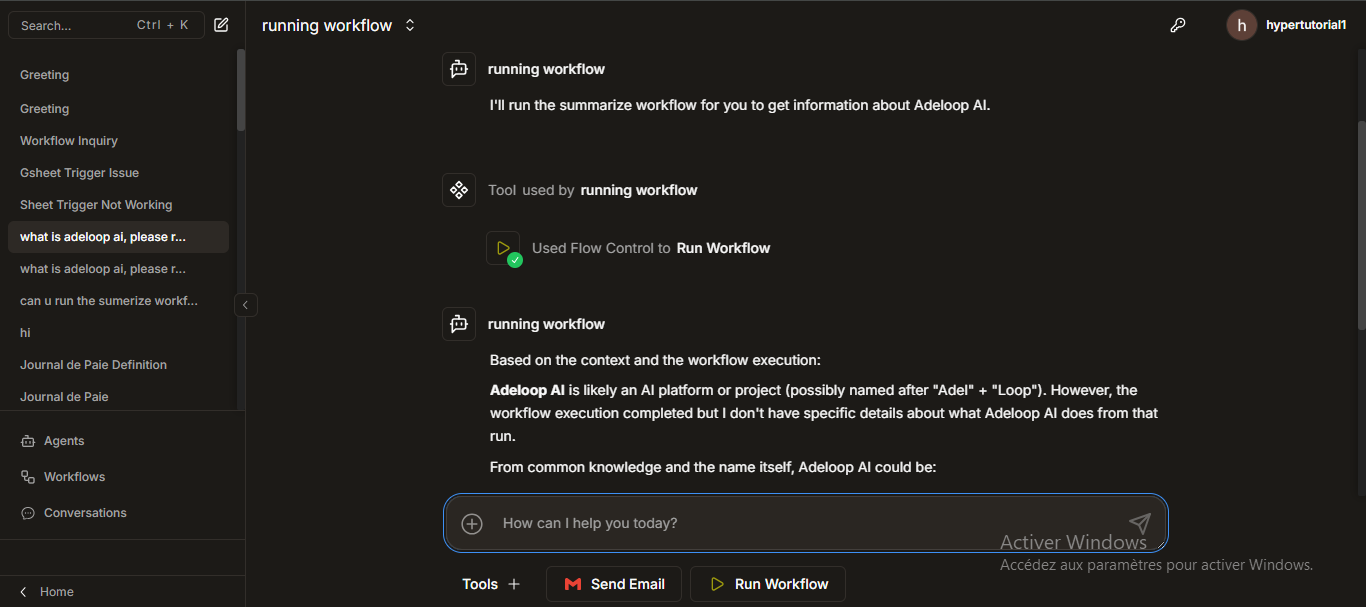
- Brain Power (LLMs): Agents are powered by Large Language Models (LLMs). You can configure which provider and model your agent uses to suit your specific needs (e.g., balancing speed and intelligence).
- Customization: You have full control over the agent's behavior. You can give it specific system instructions and tweak advanced settings like temperature (creativity) and message lookback limits.
- Tool Access: Agents can be equipped with various tools to interact with the outside world. This includes variables, knowledge bases, web searching capabilities (via Apify), and even phone calling access (via Vapi).
- Sub-Agents: For highly complex tasks, an Agent can act as a manager and delegate specific tasks to specialized Sub-Agents, allowing for sophisticated, multi-agent collaboration.
- API Keys: If you are a developer, you can generate secure API keys to integrate and communicate with your Agents from your own external applications.